Growth experiment
Getting users to install a new Chrome extension
Designing and validating growth ideas to help users achieve their goals faster, without interrupting their flow.
Introduction
The project was delivered for a global educational platform that allows students to get answers to questions from all school subjects.
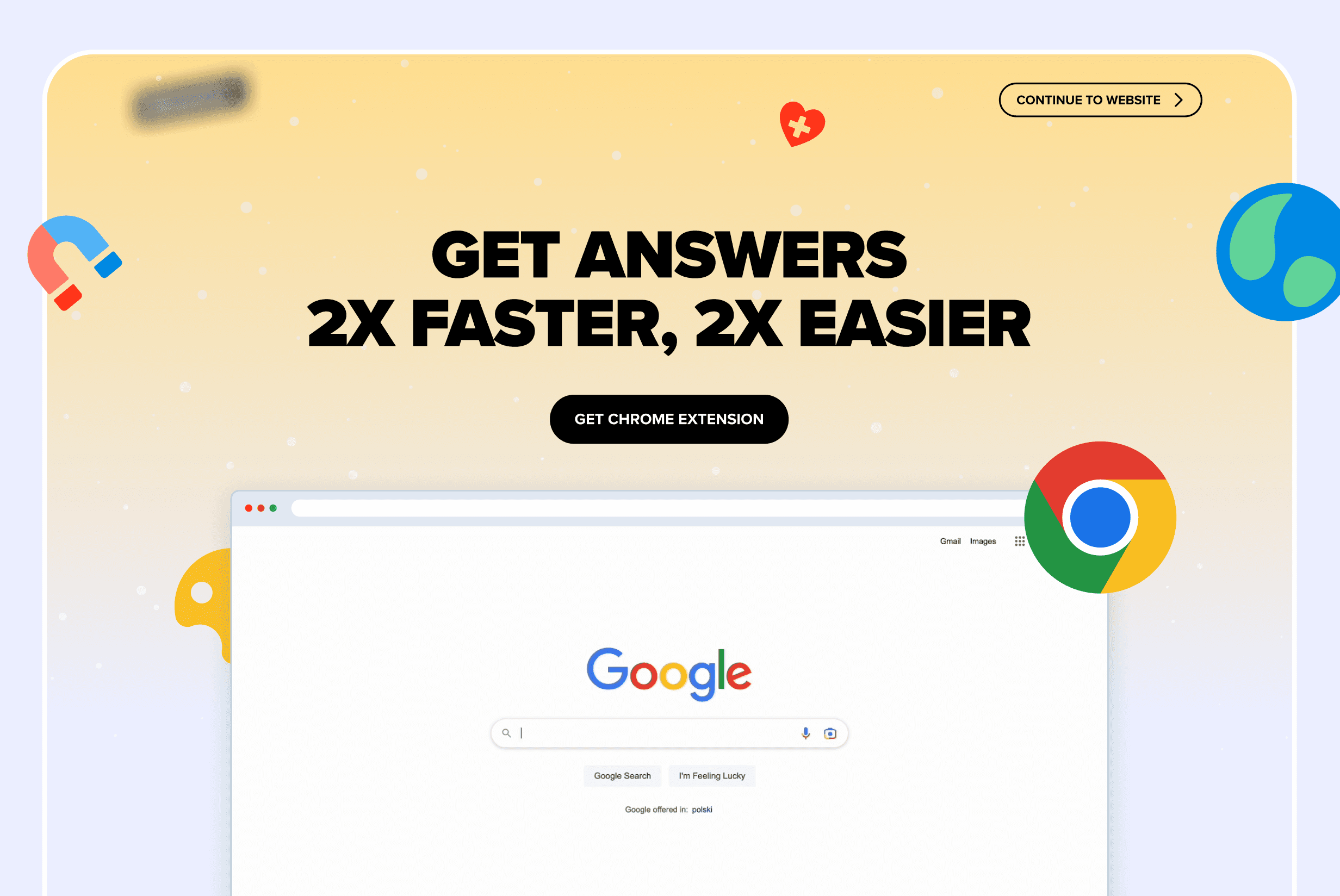
The project focused on promoting a Google Chrome browser extension, whose goal was to allow users to search the database without visiting the website or logging into the application.
My role: Product Designer (end-to-end) – from analysis, through concept work, to collaboration during implementation.
Problem & Insight
The development team was in the final stage of finishing the MVP. From a technical perspective, the product was ready, but there was no clear answer to a key question:
🤔
How can I effectively convince platform users to install the Chrome extension?
Previous user research and analysis of product usage paths showed that users are strongly focused on getting answers quickly. Homework is often done under time pressure, so the fewer steps between a question and an answer, the higher the satisfaction and the better the user’s relationship with the product.
Goals & Success Criteria
The goal was to deliver and validate the most effective way of promoting the browser extension at the right moment in the user journey. Success was measured using standard growth metrics to ensure the solution delivered clear value to users while meeting business expectations.
Business goal:
User goal:
Success criteria:
Process
To achieve the best possible results in the shortest time, I adapted the UCD process to the project reality, focusing mainly on quickly connecting data, user context, and real product constraints.
Analysis and direction setting
Based on this, I identified several potential touchpoints where communication about the extension could be the most effective.
Prioritisation with the team
Finally, we selected two solutions for testing:

Landing page in the registration flow
(shown to new users).

Bottom drawer on the search results page.
Solution
Landing page in the registration flow
Key elements of the solution:
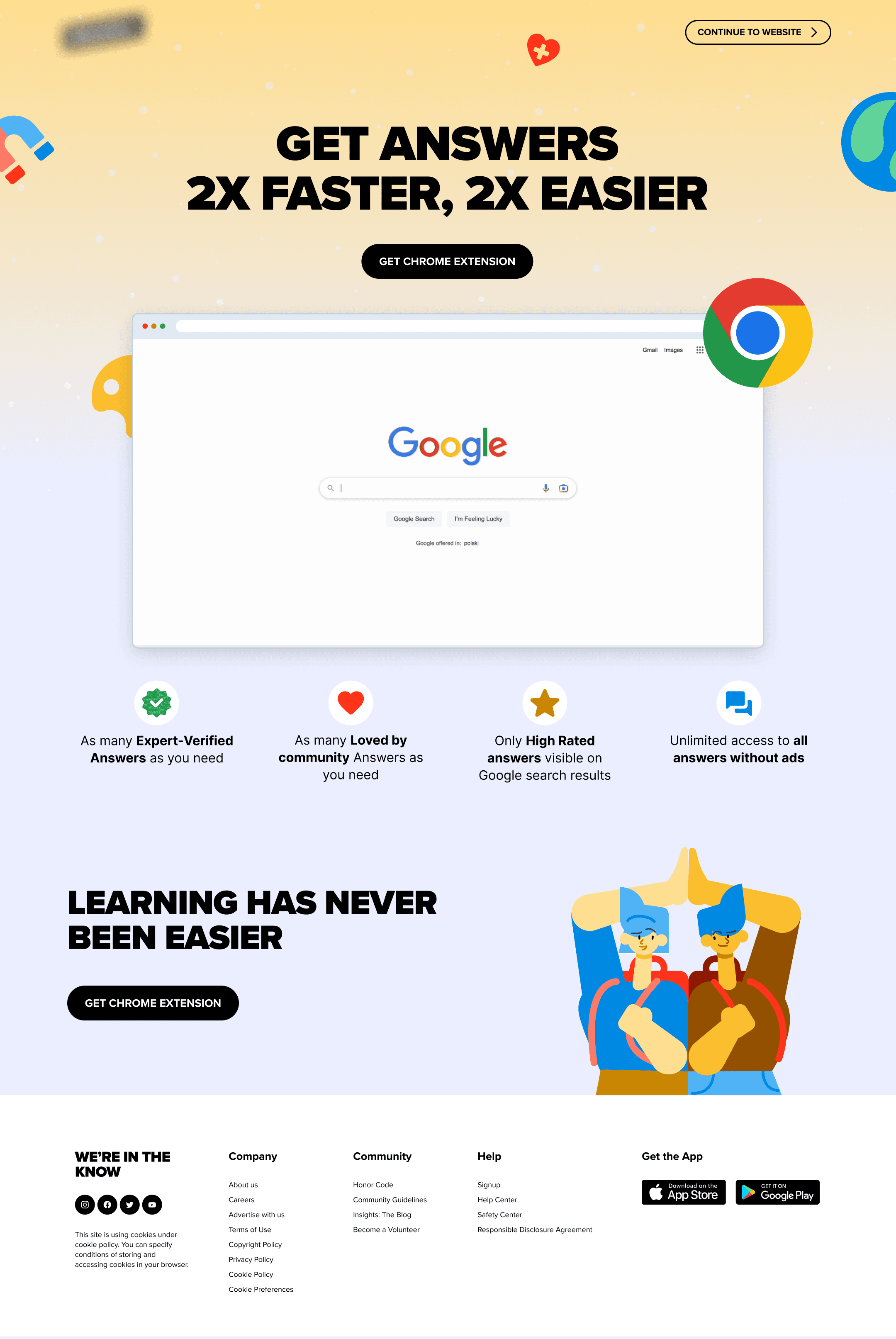
The page appeared only once during new user registration – at the moment of the highest openness to new features.
The design was fully based on the existing design system. I skipped the wireframe stage to speed up the work. I tested different color variants, focusing on contrast and compliance with accessibility guidelines.
Bottom drawer on the search results page
The contextual Bottom Drawer was displayed on the search results page, at the moment when the user had a strong need to find an answer.
The solution did not interrupt the flow and used subtle motion to draw attention, gently suggesting a “faster and easier” alternative. After clicking, the drawer expanded into a full version with instructions and a button leading to the Chrome Store.
Impact & Learnings
The A/B experiment was planned for two weeks, but it ended earlier after reaching statistical significance. Test configuration and data analysis were handled by an analyst, while I focused on the product and design layer.
Results of landing page in registration:
👉
CTR: 8.5%
👉
Conversion increase in the experiment: +219%
👉
Best result despite one-time exposure
Based on these results, the landing page was implemented as a permanent part of onboarding.
Bottom drawer:
👉
CTR: 0.4%
👉
The solution was dropped and did not go into production.
Key learnings
👉
The onboarding moment has a much stronger impact on adoption than later touchpoints.
👉
A simple, clearly communicated benefit outperforms a more contextual but less visible solution.
👉
Effective design does not need to be complex — it needs to be precisely aligned with user needs.
👉
Experiments are the best tool for making product decisions.
This project strengthened my belief that the role of a Product Designer is not only about designing, but above all about making conscious decisions at the intersection of the user, the business, and real product constraints.